Robot Learning Infrastructure
Building a Franka FR3 Robot Learning Cell from Scratch
I built this Franka Research 3 manipulation cell at TASL almost entirely from scratch — the 80/20 bench, the real-time control setup, the cameras and gripper, the GELLO teleoperation arm, and finally the in-the-wild VLA rollout pipeline. This page walks through the build in the order it actually happened, ending with what I learned when I evaluated a generalist policy on the finished setup.
Autonomous rollouts of a π₀.₅-DROID vision-language-action policy, deployed zero-shot on the finished cell — language in, tabletop manipulation out. No teleoperation, no scripting.
01 · The bench
It started as a pile of aluminum extrusion
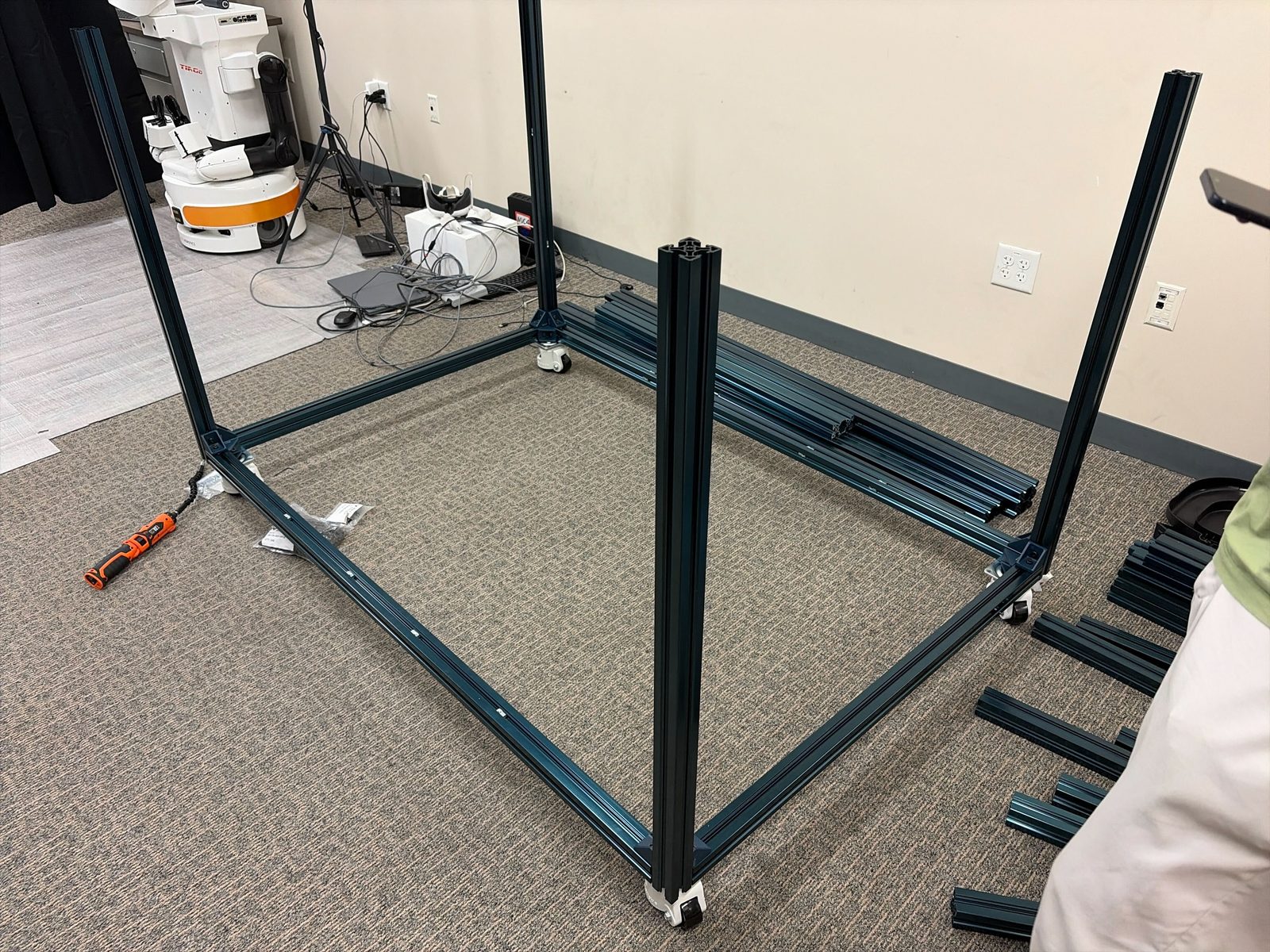
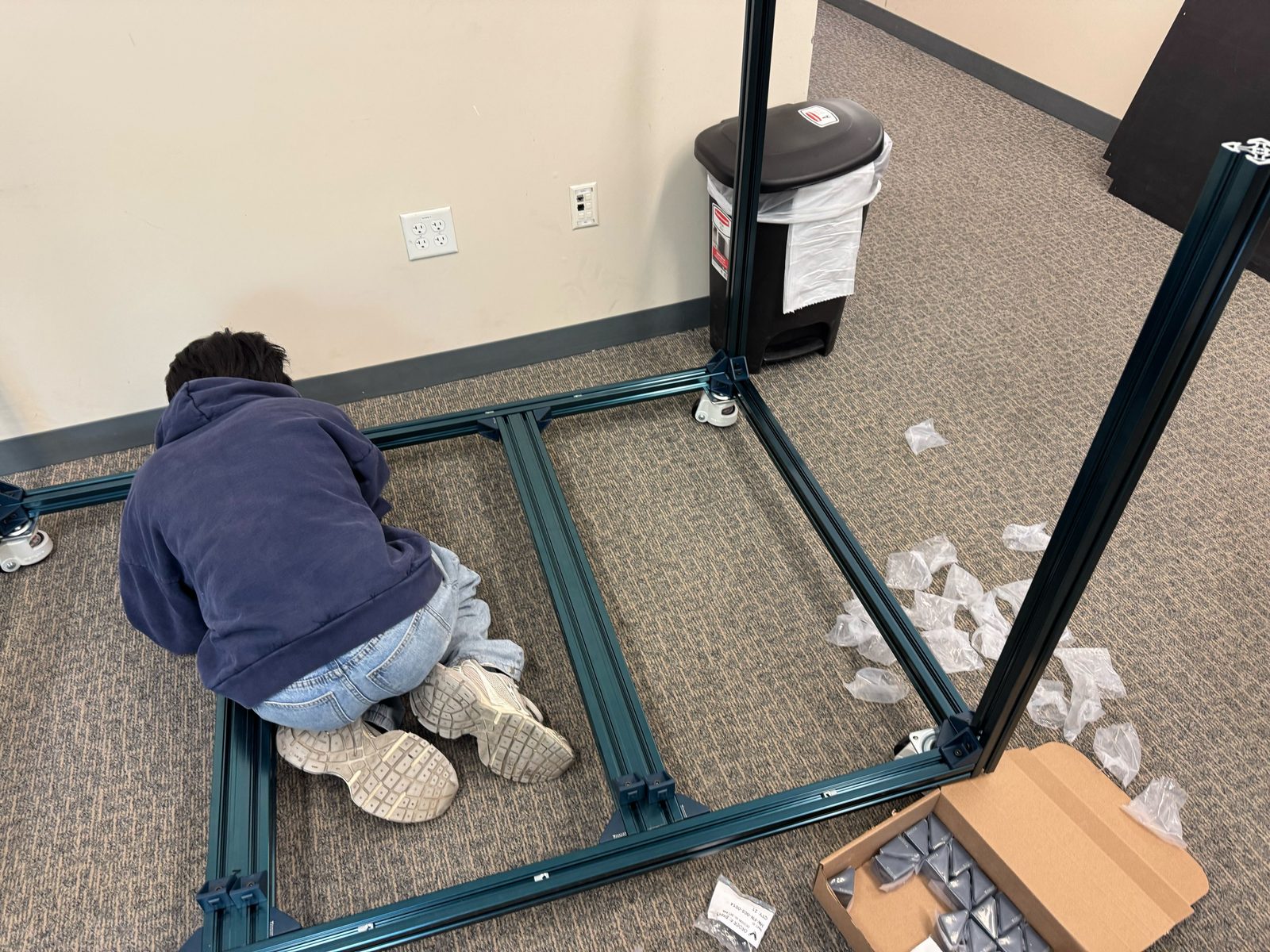
Before any robot, there was a frame to build. The cell is an 80/20 aluminum-extrusion bench on casters — squared up, leveled, and bolted together by hand so the arm would have a rigid, repeatable base to mount to and the cameras would stay put between calibrations.
02 · Arm & control plane
Mounting the FR3 and giving it a real-time brain
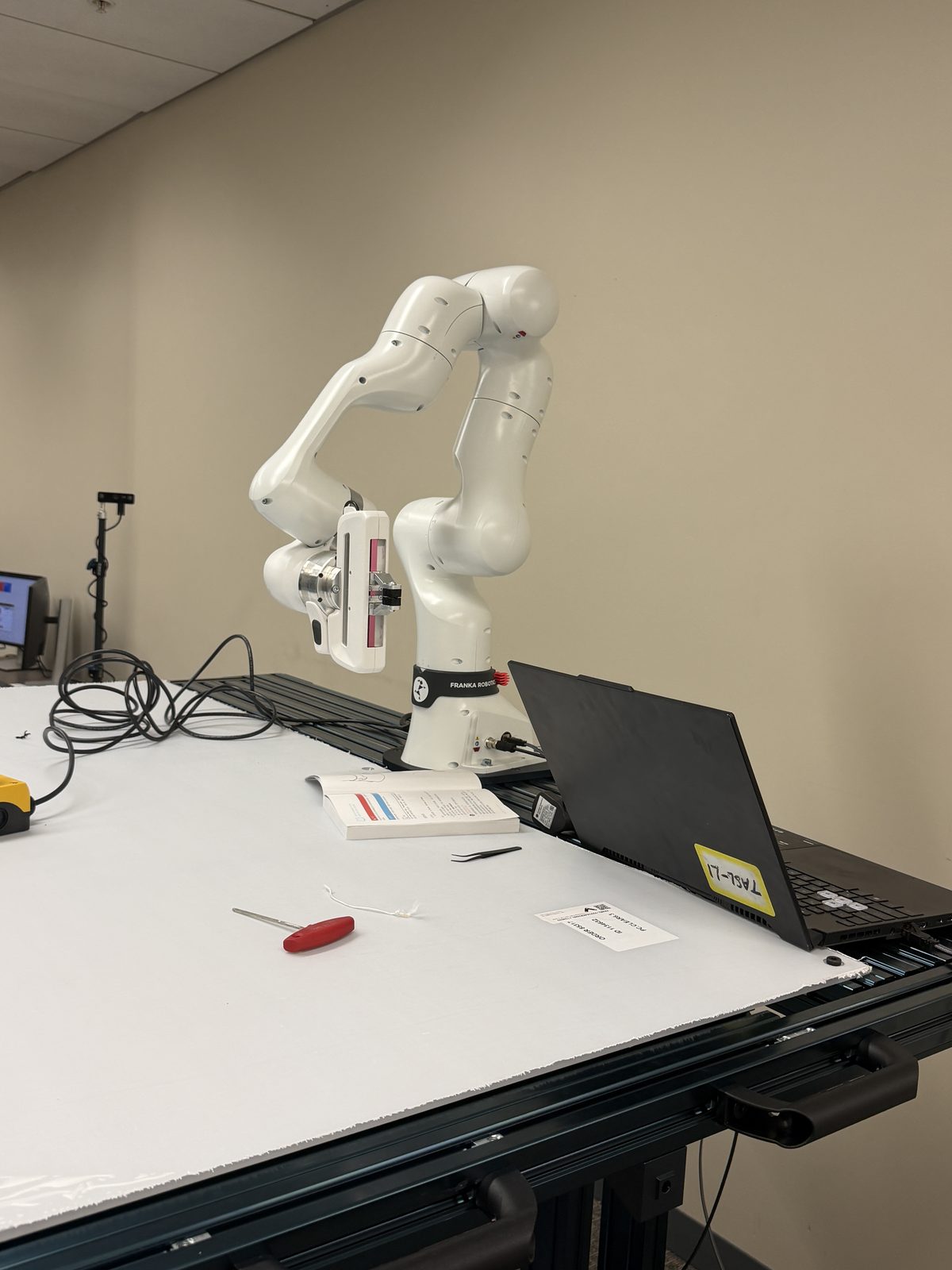
With the bench up, the Franka Research 3 (firmware 5.9.2) went on top. The arm is driven by a separate real-time-kernel NUC running libfranka / franky over the FCI at 1 kHz, exposing a small robot server that the GPU workstation talks to over the lab network.
Getting here meant working through the parts of robotics that never make it into papers: firmware compatibility, the right libfranka version, motion-generation gotchas, and a controller that recovers cleanly instead of dropping the FCI session mid-run.
03 · The control stack
Why I started on franky, then moved back to Polymetis
Exactly one process is allowed to speak libfranka at 1 kHz, and choosing that layer turned into a real decision. The legacy option — DROID's Polymetis fork — was orphaned and frozen on an old libfranka, officially out of spec for the FR3's 5.9 firmware, which wants libfranka 0.18+. It wouldn't even compile cleanly against our setup.
So I first built the controller on franky: it tracks libfranka through 0.18, officially supports FR3 5.9.x, and installs with plain pip — no Docker, no conda. Within a day the bench was running real 1 kHz control with sub-millisecond cycle times, behind a small server that exposed it to the rest of the network.
franky was the right call to get a clean, modern controller running fast — but two things later pulled me back to Polymetis. First, the policy I wanted to deploy (π₀.₅-DROID) was trained on the DROID stack and expects its exact action and observation conventions; running it faithfully — and comparably to published results — was easiest inside DROID's own Polymetis container, which I rebuilt with libfranka swapped up to 0.18.1 for FR3 5.9.2. Second, the lab's research direction moved toward RLinf for real-world data collection and online RL, whose real-world environment is built around a Polymetis-style controller.
So it wasn't “franky wrong, Polymetis right.” franky made the hardware controllable quickly when the legacy stack couldn't even build; Polymetis came back once the goal shifted from make the arm move to deploy this specific DROID-trained policy and plug into this specific RL framework. Choosing a control stack is less about which library is best in the abstract and more about what the rest of the pipeline already speaks.
04 · Perception & End-Effector Setup
Cameras, gripper, and the calibration layer
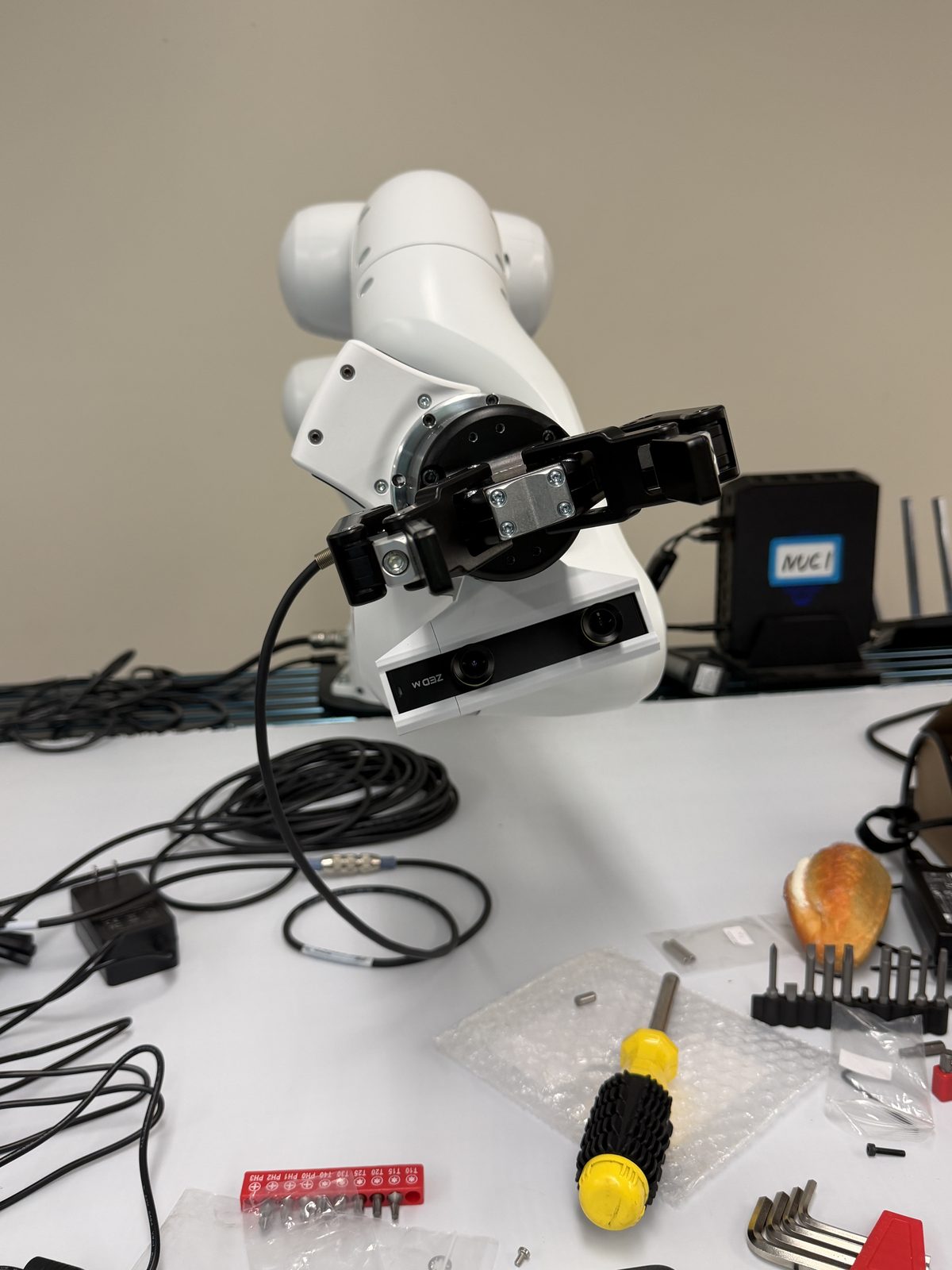
After the arm was mounted and controllable, the next step was making the robot see and interact with the tabletop. The end-effector carries a Robotiq 2F-85 parallel gripper and a wrist-mounted stereo camera, while two external ZED 2i cameras observe the workspace from fixed viewpoints.
This part of the setup was less about adding sensors and more about making all of them agree with the robot. Each camera had to be calibrated into a consistent frame so that image observations, gripper poses, and tabletop geometry referred to the same physical world. In my setup, the calibration residuals were around 3 mm, and the remaining error appeared to be limited more by visual marker detection than by robot motion repeatability.
This layer quietly determines whether everything downstream is possible. If the cameras and the arm disagree about where the table, objects, or gripper are, even a strong policy will fail for reasons that look like “bad intelligence” but are actually infrastructure errors.
05 · Teleoperation
A 3D-printed leader arm to drive the robot
To collect demonstrations, I built a GELLO-style leader arm — a low-cost, 3D-printed kinematic twin whose joints map directly onto the FR3, so a human can puppet the real arm one-to-one. It is the bridge between "the hardware works" and "the hardware can learn": every teleoperated episode becomes training data.
Collection runs through RLinf's real-world environment. I wrote a Polymetis controller backend inside that env — replacing the serl/ROS controller it ships with, which needs an older firmware we can't run — so the GELLO leader (or a SpaceMouse) drives the FR3 while RLinf handles episode management, intervention takeover, and logging. Each demonstration is written straight into a LeRobot dataset with per-step intervention flags — the format both policy training and the RECAP pipeline consume.
06 · The pipeline, end to end
From an empty frame to autonomous rollouts
Once the cell was wired top to bottom — arm, controller, cameras, gripper — it could run policies. The rollout clips at the top of this page are the result: a π₀.₅-DROID vision-language-action checkpoint (openpi), deployed zero-shot on the finished setup. “Pick up the bread and place it on the plate” is a reliable success case; “place the black pen into the red cup” is the precise-placement case that often fails.
07 · What I found
Where a capable policy quietly breaks
With the cell finished, I used it for a small in-the-wild study: deploying the π₀.₅-DROID generalist policy (openpi) zero-shot — no fine-tuning on our robot — across six tasks and 60 rollouts. I went in expecting zero-shot transfer to real hardware to be brittle. The surprising part was how much did work: run through a compliant control stack, the arm moved smoothly and solved common pick-and-place tasks it had never seen on our exact setup.
The more interesting part was where it broke. Object grounding was usually correct — the arm went to the right thing — but precise grasping was the bottleneck, with the policy hovering or freezing above small objects. Spoken ordering was not always respected, and a simple human handover failed every single time: the policy treats object-to-object manipulation very differently from object-to-human.
| Task | Success | What happened |
|---|---|---|
| Bread → plate | 10/10 | Reliable large-object pick-and-place. |
| All objects → basket | 10/10 | Robust when the target is large and order is free. |
| Pen → plate, then bread → plate | 8/10 | Often right, but sometimes ignores the spoken order. |
| Black pen → red cup | 3/10 | Grounds the pen, then hovers / freezes before a stable grasp. |
| Bread → outstretched hand | 0/10 | Does not treat a human hand as a valid target. |
Six tasks, 10 trials each. The pattern that stuck with me: the control stack matters as much as the policy, capable models fail silently at the last few centimeters, and "it understood the instruction" is not the same as "it can do it." That gap — where confident systems quietly break — is exactly what I care about in my research.